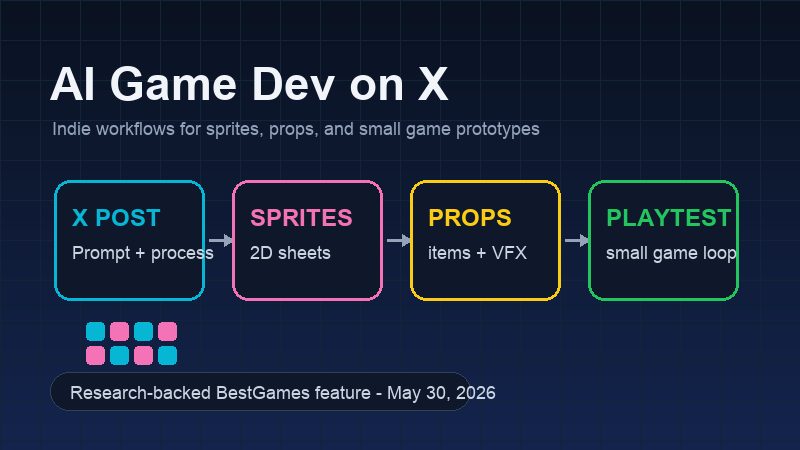
AI Game Dev on X is easy to dismiss if you only see the loudest clips. A castle blinks onto the screen. A pixel character walks in four directions. Someone says a whole game appeared in a week. The comments split in the usual way: half applause, half suspicion.
The useful posts are quieter. They show the folder after the experiment instead of only the reveal. There is a sprite sheet with two frames that work and six that wobble. There is a prompt that sounded clever until the character changed height between attacks. There is a tiny Phaser or Godot scene where the jump finally feels passable. That is where the story is. AI has not removed the dull work of making games. It has moved some of that work earlier, into public view, where everyone can watch the rough draft fail.
That is why this topic matters for BestGames readers. Browser games live on fast feedback. A small game does not need a cinematic opening. It needs readable art, clean input, a rule the player understands in five seconds, and enough charm to make a second attempt feel natural. AI tools can help a solo developer reach that first playable version sooner. They can also fill the web with prototypes that look polished for two seconds and fall apart on the third.
So the question is not whether AI can "make a game." That phrase is too vague to be useful. The better question is: when a developer sees an AI workflow on X, what part of it can survive inside an actual game loop?
The feed is a workshop, not a launch trailer
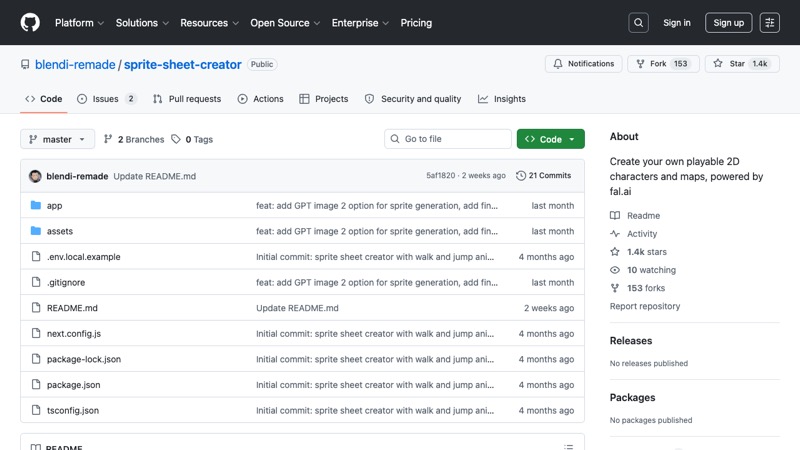
X is a bad library and a good workshop window. Links rot, mirrors break, and half the posts are sales funnels. Still, if you watch enough of them, the pattern is hard to miss. The interesting material is not the single generated character. It is the sequence around it: prompt, output, cleanup, export, engine test, complaint, second attempt.
One open-source example, Sprite Sheet Creator, shows why developers keep paying attention. The repository is not a finished art department in a box. It is a tool for making playable 2D characters and maps from prompts, then testing the result in side-scroller or isometric modes. That difference matters. A pretty character image is decoration. A transparent sheet with walk, jump, attack, idle, and frame data is at least near the border of production work.
The strongest posts usually answer two questions before the viewer has to ask. What went into the tool? What came out in a form the engine can actually use? When a post skips those answers, it may still be fun to watch. It is just not much help to a developer with a half-finished prototype, an empty art folder, and a looming demo deadline.
The mood is different from the AI art arguments of a few years ago. Back then the fight often stopped at the image. Does it look good? Was the training data fair? Will artists lose work? Those questions still sit in the room. Game development adds another test: does the thing move, collide, loop, scale, and stay readable after a player presses buttons for ten minutes?
A game asset is not finished when it looks good in a screenshot. It is finished when it behaves under pressure.
Sprites are where the promise gets tested first
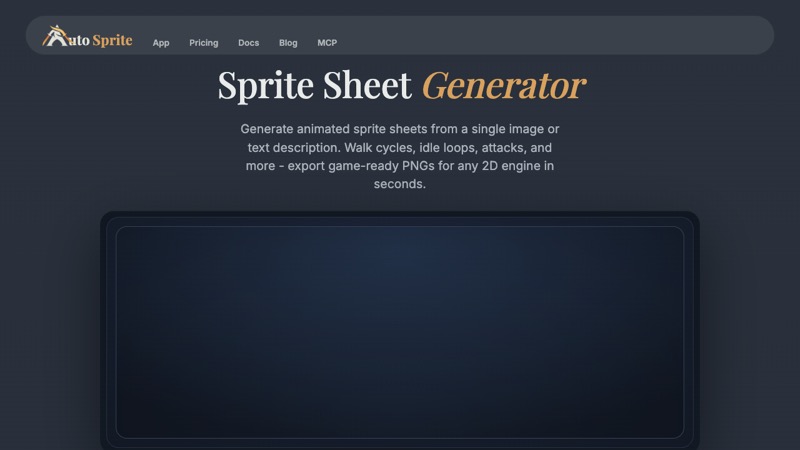
Sprites are the obvious first battlefield. A solo developer can wire a small platformer in a weekend, but a readable character set can consume the weekend by itself. Idle, walk, jump, hurt, attack. Then the same character needs to keep its height, lighting, outline, hand position, and weapon angle across every frame. This is exactly the kind of repetitive work AI promises to speed up, and exactly the kind of work where a tiny inconsistency becomes visible the moment the animation loops.
AutoSprite is useful to study because its public site talks less about a single pretty output and more about the dull details: transparent PNG sheets, atlas metadata, browser previews, engine export paths, matching pivots, locked proportions, and reusable presets. Those are not marketing footnotes. They are the difference between "nice image" and "asset I can import before dinner."
Final Parsec's guide to turning AI art into sprites makes the same point from the other side. The generated art often needs frame selection, slicing, cleanup, and testing before it belongs in a game. Anyone who has watched a walk cycle slide across the ground knows the problem. The character is moving, technically. It still feels wrong.
What a developer should check
Before trusting an AI-generated sprite sheet, check the boring parts first:
- Does the silhouette stay readable when the character is small?
- Do the feet land in a believable place, or does the walk cycle skate?
- Does the character change size between frames?
- Can the sheet export with transparent backgrounds and usable metadata?
- Does the asset still look right inside the actual game camera?
That checklist is not glamorous. It is the job. AI helps when it makes the first pass cheap enough to throw away. It hurts when a developer starts defending the first pass because the tool made it quickly.
For game jams, internal pitches, short social clips, and browser prototypes, that speed is real. For a commercial release, the safer path is hybrid. Use AI for blocking, options, and temporary assets. Use human cleanup where identity matters. Players forgive rough art when the whole project is honest about being early. They are less forgiving when a finished game asks for money with assets that feel borrowed from a prompt default.
Coding agents make the first bad version arrive sooner

The next pattern on X is not a single AI tool. It is a chain. A developer plans the rules in one place, asks a coding agent for a skeleton, uses an asset tool for sprites or props, adds quick audio, then keeps cutting until the thing can be played. That sounds less magical than "AI made my game." It is also much closer to how the useful work happens.
The HowWorks write-up about Castle Battle is a good example because the honest detail is not the tool list. The author used Phaser JS, Codex, Claude, AutoSprite, and Tone.js, but the line that sticks is about planning: "The PRD is the most important part." That is not a slogan. It is a warning. A coding agent can move fast in the wrong direction for hours if the game is not scoped tightly enough.
For a small real-time castle combat game, the tool chain makes sense. Phaser handles the browser loop. A coding agent helps set up state, collisions, menus, and iteration chores. AutoSprite can produce castles, spells, and animation sheets. Tone.js covers simple sound. None of those choices makes the design good by itself. They do reduce the number of blank screens between an idea and a playable mess.
That first bad version is underrated. Once a game exists, even badly, a developer can feel the truth. The castle rotates too slowly. The spell effect is unreadable. The button is in the wrong place. The enemy timing makes the match boring. These are not problems a prompt can solve in the abstract. They appear after contact with play.
This is why editor-connected tools matter. AutoSprite's MCP documentation points toward a workflow where the asset request sits inside the coding environment instead of on a separate website. The developer does not want to babysit twenty tabs, downloads, filenames, and metadata fields. They want the asset to land close enough to the code that testing it feels natural.
Why small teams feel the change first
Large studios already have pipelines. They have source control rules, technical artists, internal tools, QA, and people whose whole job is to keep asset flow from collapsing. A solo developer has a laptop, a deadline, and maybe two free evenings.
Unity's 2026 Game Development Report fits that reality. It says many teams are choosing smaller projects to reduce risk, and that prototyping windows are often short. That does not mean AI replaces studios. It means teams want to find out sooner whether an idea deserves more time.
For web games, this is the whole business. The best small games are usually not impressive because they are large. They are impressive because they find one tight action and polish it until the player wants another round. You can see that logic in compact loops like Cookie Clicker or puzzle-first sessions like Block Blast. AI can help a developer test more of those actions. It cannot decide which one has a pulse.
The backlash is not a side issue
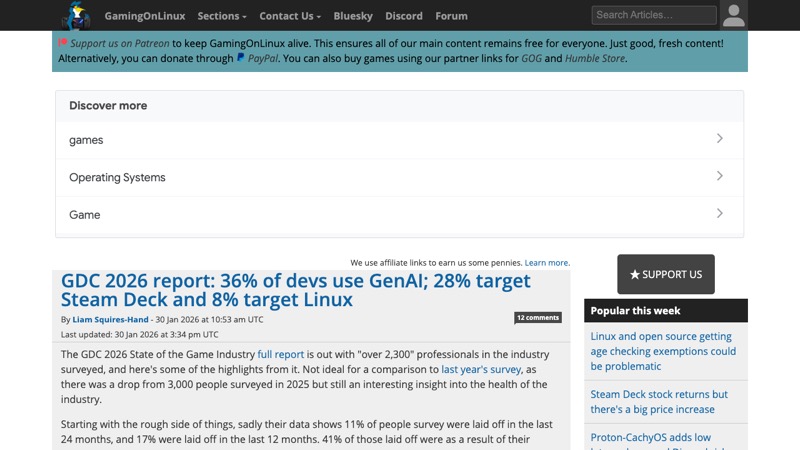
The suspicion around AI game development is not a comment-section mood swing. The 2026 GDC State of the Game Industry report surveyed more than 2,300 professionals. It found that generative AI use is common, but confidence is low. GamingOnLinux's coverage highlighted the contradiction cleanly: many developers say AI is used at work, while far more see its impact as negative than positive.
The reasons are familiar because they have not been solved: training data, copyright, jobs, energy use, low-quality output, and the awkward feeling of watching human craft get flattened into a prompt. In game development there is another layer. A generated image can fool a scrolling viewer. A game has to survive input, repetition, player frustration, menu screens, sound, and bugs. The surface cracks faster.
That is why disclosure is not paperwork. It is part of the product. A small note can say AI was used for placeholder art, early sprite drafts, code assistance, music sketches, or marketing mockups. It can also say what was hand-edited. Players may still dislike the choice. At least they know what they are judging.
Hiding the tool chain tends to make people assume the worst. Overselling it is not better. The most credible posts are the ones that admit the rough edges: this was generated, this was redrawn, this broke in the engine, this still needs a real artist, this was only for a jam build.
Disclosure is becoming part of the product
Developers have always used engines, shaders, asset packs, store plugins, middleware, and procedural systems. Generative AI feels different because the sourcing and labor questions are still unsettled. Until that changes, clarity is cheaper than damage control.
The practical version is simple. Do not write a legal essay. Tell players where AI helped and where a person took over. If the protagonist, key art, or final animation is AI-assisted, say so plainly. If AI only helped with placeholder props during prototyping, say that too. People can handle nuance when the developer does not sound like they are hiding behind a press release.
A better rule for small teams
The most useful rule I have seen is also the least dramatic: use AI where speed matters more than authorship. Use human craft where identity matters more than speed.
That means a placeholder chest, a temporary enemy, a jam background, a rough spell effect, or a mood-board prop can be AI-assisted without carrying the soul of the project. A final protagonist, key marketing image, cosmetic item, signature animation, or store capsule deserves stricter standards. Those assets are how a player recognizes the game.
Two workflows are worth watching now. Asset-first prototyping lets a team generate enough characters, props, and effects to test a mechanic before paying for final art. Editor-connected generation pulls asset requests closer to the code, which makes testing less annoying. Around both of those sits the social layer: X, itch.io devlogs, Reddit, Discord, and short video clips become places to see whether the idea reads before a Steam page asks for wishlists.
Unity's report also notes that studios use online events and social media to improve discoverability. That is not a separate marketing phase anymore. For many small games, discovery starts while the game is still ugly. A GIF shows whether the silhouette works. A clip shows whether the rule is understandable. A comment thread tells the developer which part of the prototype people actually noticed.
The risk is sameness. If every developer uses the same model defaults and the same prompt habits, the feed fills with smooth, competent, forgettable things. We are already seeing some of that: glowing spell effects, familiar fantasy props, characters with no real attitude, menus that look fine and say nothing. Taste is still the scarce part.
For BestGames, the useful takeaway is practical. AI-assisted workflows can help more browser games reach the playable stage. That is good. But a playable stage is not a finished game. It is the moment when real judgment begins.
Conclusion
AI game dev posts on X are valuable when they show process. The strongest ones do not pretend the tool did everything. They show a small team using AI to get to the first playable version, then doing the slower work of choosing, cutting, redrawing, tuning, and explaining.
That is enough. It is also less glamorous than the hype. AI can shrink the distance between idea and prototype. It cannot give the prototype a reason to exist. For indie teams, that is still the hard part, and probably the part worth protecting.
FAQ
Can AI-generated sprites be used in a finished indie game?
They can, but only after license checks, animation tests, cleanup, and human review. A raw generated sheet is usually safer as prototype material than final identity art.
What is the best use of AI game assets for small teams?
Early prototyping. Placeholder characters, rough props, spell effects, and test animations can help a team find out whether the game loop is worth another week.
Why are X.com posts useful for AI game development research?
They show work before it becomes polished. The useful posts expose prompts, exports, engine tests, failures, and community reactions, rather than only the final clip.
Will AI tools replace indie game artists?
They are more likely to change early production. Finished games that rely on visual identity still need taste, cleanup, consistency, and someone willing to own the final look.