Developer brief
Indie teams often lose weeks to avoidable engine churn. Today focus on branch hygiene: keep production on a stable lane, test beta features in a copy, read known issues before updating, and make every engine upgrade earn its place in the schedule.
Godot 4.7 beta 2 is a reminder to test snapshots outside production
Godot 4.7 beta 2 arrived after more than 100 regressions were detected and resolved between beta snapshots. The post also reminds testers that preview builds require backups or version control because prerelease software can still damage projects.
For indie teams, that is the correct mental model for every engine beta. A beta should live on a duplicate branch with targeted test scenes, not inside the main production project on the week a demo needs to ship.
Practice takeaway
- Clone before testing: Never open the only project copy in a prerelease build.
- Use regression scenes: Maintain small scenes for save, input, export, lighting, UI, and platform checks.
- Report precise failures: Good bug reports help the engine and protect your future build.
Construct r476.4 shows why stable channels still need patch review
Construct 3 r476.4 is a stable patch release that fixes a small set of issues, including a WebGPU mipmap regression and manual links for 3D model documentation. The broader releases page also separates stable, beta, and LTS lanes clearly.
The practical lesson is that stable does not mean invisible. Browser-game developers should read each patch through the lens of their target renderer, export path, and current production deadline.
Practice takeaway
- Patch with intent: Only update a live project when the fix matters or the risk is low.
- Keep export smoke tests: Check web export, controls, audio start, save data, and mobile layout after every engine update.
- Separate curiosity from production: Try beta features in a sandbox, not in the shipping branch.
GameMaker LTS and GMRT planning turns engine choice into project planning
GameMaker Spring 2026 update lays out the LTS26 plan, the GMRT roadmap, CLI tooling, source availability for desktop, mobile and web runtime code, and future JavaScript, TypeScript, and C# support. This is a roadmap with production consequences.
For small teams, the right response is not to rewrite immediately. The response is to decide whether the current project needs the new runtime, whether LTS stability matters more, and which plugins or build automation are actually worth adopting.
Practice takeaway
- Choose a lane: Long projects should document whether they target LTS or the newer runtime.
- Automate cautiously: CLI builds are useful only after the team can reproduce manual builds reliably.
- Plan migration tests: Check save files, extensions, shaders, and platform exports before committing.
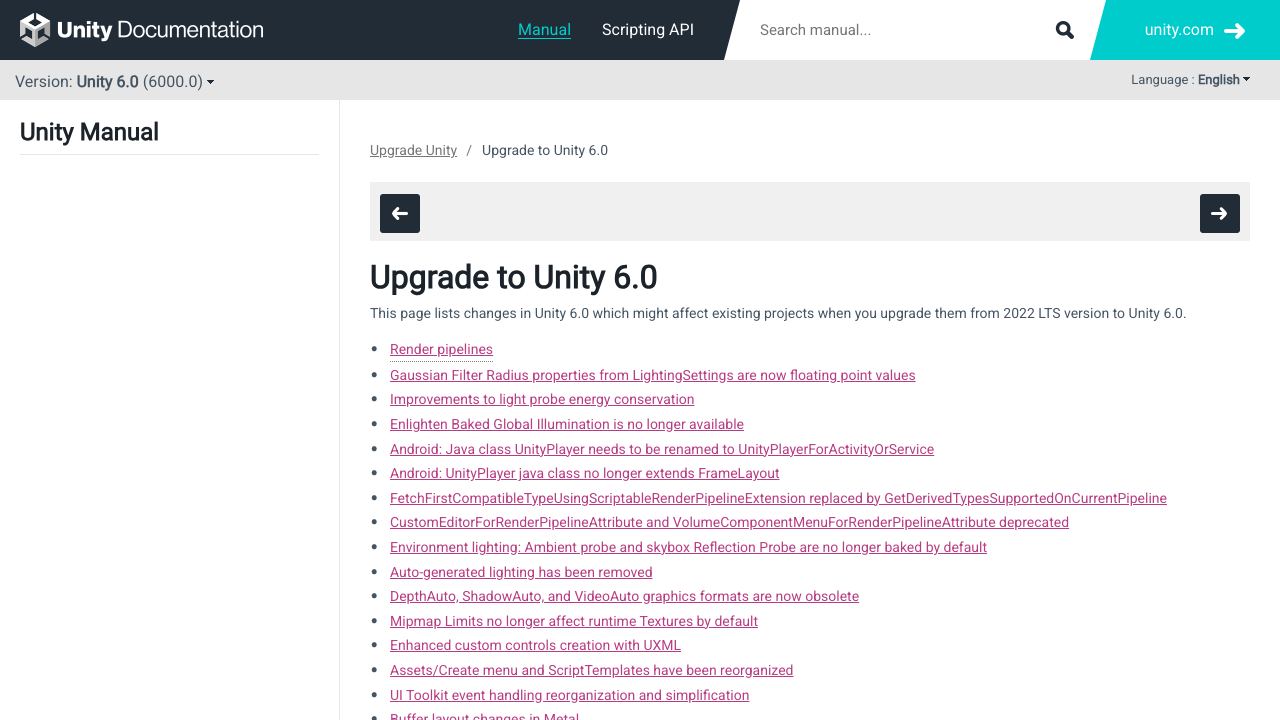
Unity 6 upgrade guidance turns editor updates into a QA checklist
Unity 6 upgrade guidance is a useful reminder that engine updates are production decisions, not housekeeping. Rendering, lighting, input, packages, platform targets, and build settings can all behave differently after a major-version move.
Indie teams should convert upgrade notes into a project-specific test matrix. A 2D mobile project, a WebGL prototype, and a PC build do not need the same checks, but every one needs a deliberate upgrade path.
Practice takeaway
- Read upgrade notes first: Breaking changes decide whether an update is safe for your target platform.
- Test affected systems: Only run the deep tests that match your renderer, input, network, and build target.
- Keep rollback simple: Archive the previous editor version and package lock before updating.