
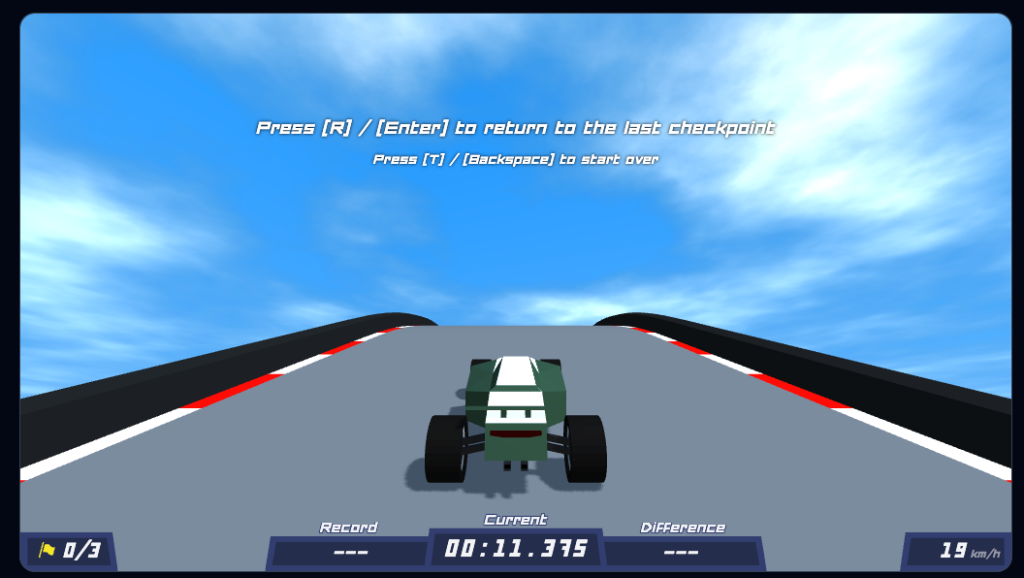
Polytrack has emerged as one of the most compelling indie racing games of the decade. Combining the minimalist aesthetic of low-poly design with a high-fidelity physics engine, it offers a depth that few browser-based games can match. In this definitive master guide, we dive deep into every aspect of the game, from basic car control to advanced track engineering and leaderboard domination.
1. The Philosophy of Polytrack: Momentum Management
At its core, Polytrack is a momentum management simulator. Unlike arcade racers that rely on assisted steering, Polytrack gives the player 100% control. Every millisecond saved is a result of a better line, a perfectly timed drift, or a calculated risk in the track editor. The game challenges the player's perception of "fast." In Polytrack, fast isn't just a high speedometer reading; it's the retention of kinetic energy across complex geometries.
Pro Tip: Cornering Velocity
Avoid over-drifting. While it looks cool, every degree of slip angle past 15 degrees bleeding velocity. Aim for the "Golden Angle" to maintain maximum exit speed.
2. Mastering the Physics Engine: The Technical Deep Dive
The car in Polytrack behaves according to strict Newtonian laws. Understanding these core pillars is essential for any serious player:
A. Downforce vs. Lift: The Aero Battle
At high speeds, your car's angle relative to the ground determines whether you'll stay glued to the track or take flight. Managing this on vertical loops is critical. If your speed drops below 180km/h on a loop, the "lift" factor might cause the wheels to detach, leading to a catastrophic fall.
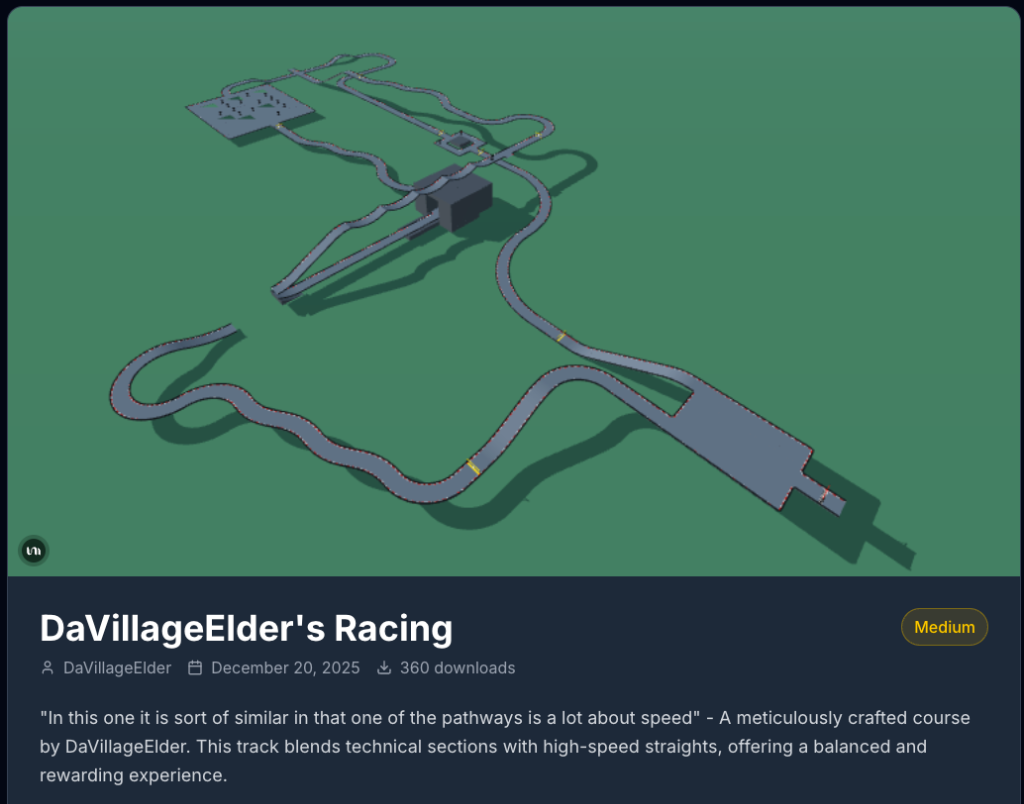
Complex track geometries require precise aerodynamic management.
B. The Science of Drifting
Drifting reduces your friction coefficient. This allows for faster rotation but sacrifices forward velocity. Advanced players use the "Clipped Drift" technique: initiating the slide just as the front tires clip the apex of a corner to minimize distance while maximizing exit speed.
3. The Ultimate Track Editor Guide: Architecture for Speed
The track editor is where Polytrack truly shines. To build a world-class track, you need to understand the concept of "Flow"—the natural rhythm that pulls the player through the course.
Need Inspiration for Your Tracks?
The most successful designers share their work using track codes. You can find thousands of community-created maps, from beginner circuits to impossible speedrun challenges, on the community hub.
BROWSE POLYTRACK CODESEngineering the Perfect Jump
Jumps are mathematical challenges. You must calculate the launch angle versus the landing zone's pitch. A pro approach is to make the landing zone slightly declined, matching the car's ballistic trajectory to avoid "Bounceback" velocity loss.
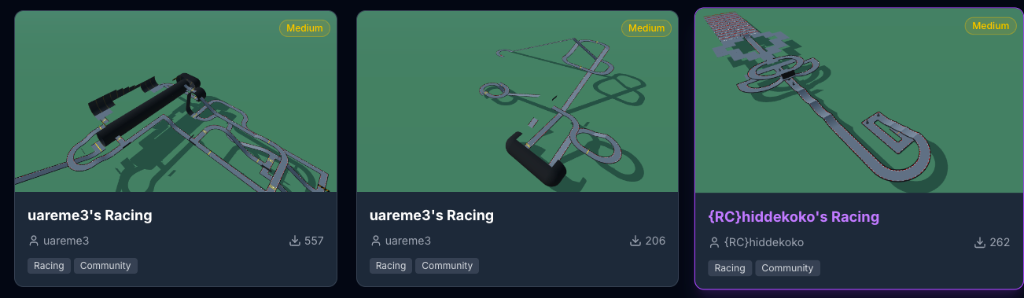
The community-driven library of track codes is the lifeblood of Polytrack's longevity.
4. Professional Speedrun Strategies
- Air-Braking: Tapping the brake mid-air levels the car's pitch, ensuring you land on all four wheels to prevent bouncing.
- Input Buffering: Pressing turn keys slightly before the turn starts to compensate for browser-based input lag.
- Centrifugal Exploitation: Using vertical drops in slanted turns to generate speed beyond what the motor provides.
5. Detailed FAQ
Q: Why does my car explode when hitting a loop at max speed?
A: This is usually "Mesh Clipping." Approaching from a slightly wider angle or smoothing the track transition usually fixes this.
Q: Where can I find the best track codes?
A: Visit PolytrackCodes.com for a curated list of the most popular community maps.
6. Comparison: Polytrack vs. Trackmania
Conclusion: Your Journey to the Top
Your journey in Polytrack is limited only by your imagination and willingness to fail. Every world record was once held by someone who crashed a thousand times before finding the perfect line. Use these strategies, explore the track codes database, and we'll see you at the finish line.




Leave a Comment
Share your thoughts with the community