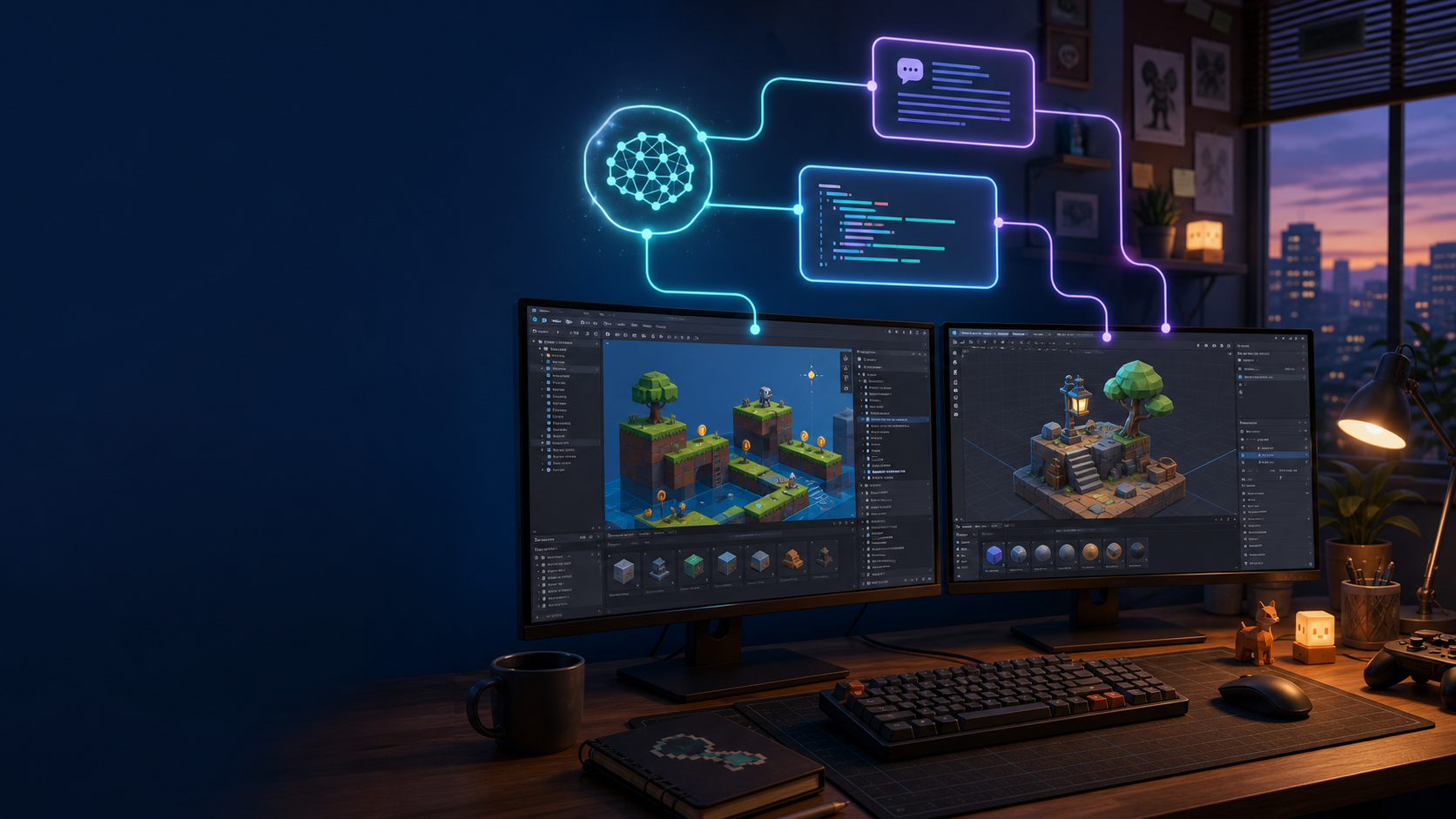
For the past year, AI has occupied an awkward place in game development. It can give useful advice and write a convincing script, but when the time comes to assemble the scene, run the game, and check whether anything broke, the developer still has to carry the work between several windows.
That gap is starting to close. On July 20, 2026, Unity released the beta version of Unity CLI. It does more than install and manage editors. With an experimental project package, it can also communicate with a running Unity Editor. At the same time, the community BlenderMCP project lets compatible AI assistants inspect scenes, create or adjust objects, change materials, and carry out those actions inside Blender.
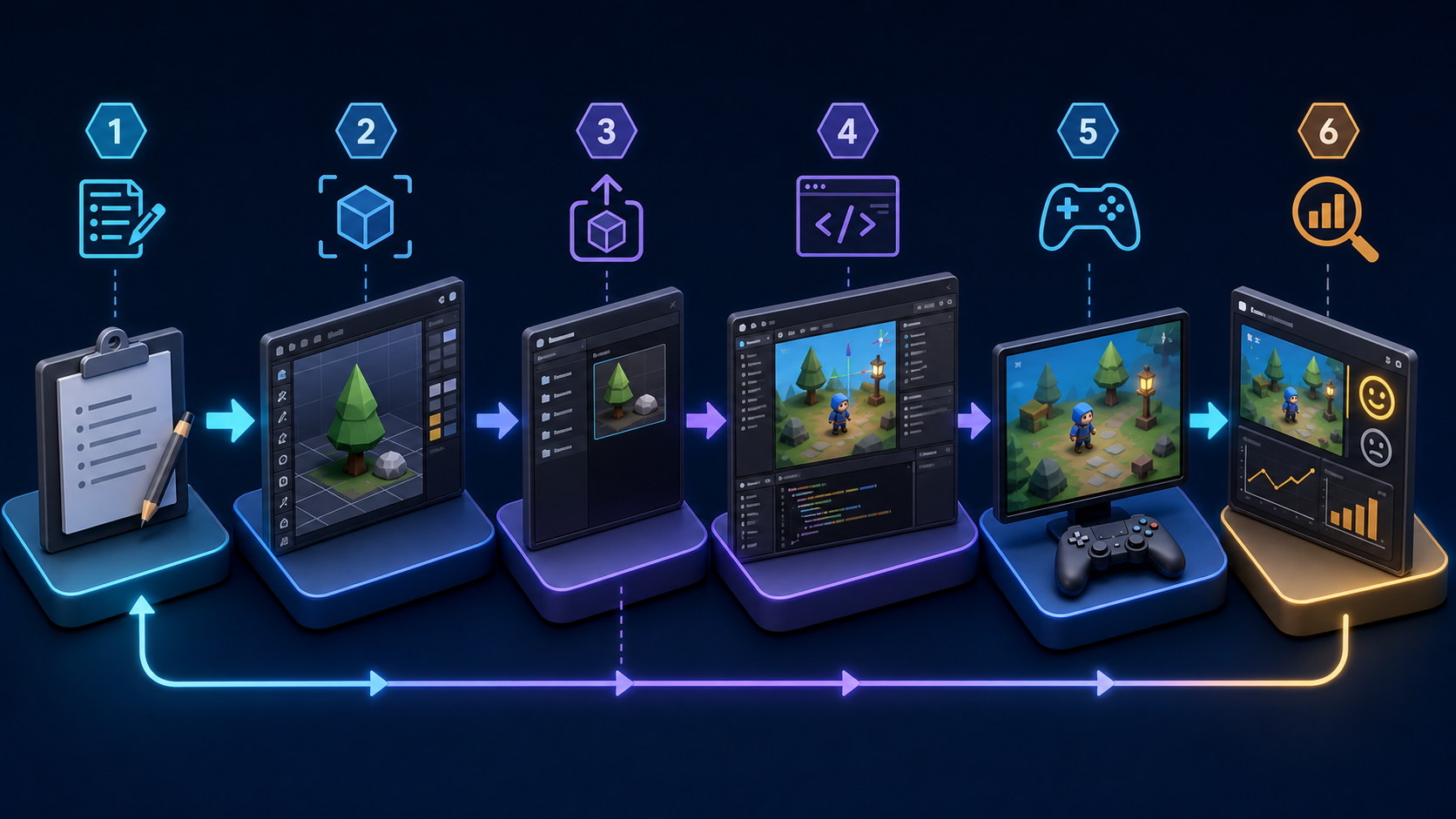
This is not “type one sentence and get a finished game.” But it does move AI into the part of production that consumes so much time: observe, act, run, verify, and revise.
The real change is not that AI can write game code. It is that AI is beginning to see what happens after the code runs.
The Important Change Is a Real Feedback Loop
An indie developer's daily work is rarely about inventing a system nobody has seen before. More often, it is about turning a vague idea into something playable: place a few terrain pieces, build a bridge, connect an interaction, then run the game and see whether the character falls through the floor.
Traditional coding assistants usually stop after the first step. They can write a C# script but cannot see the actual hierarchy, components, or runtime state in Unity. They can suggest a Blender workflow but cannot tell whether an imported model has the wrong scale, faces the wrong direction, or is missing a collider.
Unity CLI matters because it connects those steps. Unity says tools can inspect a running project, execute commands exposed by the project, and evaluate code live inside an Editor or development build. For an AI assistant, that means it no longer has to wait for a person to paste an error into a chat window. In a controlled development environment, it can inspect the problem, make a change, and test again.
BlenderMCP Adds the Scene and Asset Side
Unity helps answer, “What happens once the game is running?” Community tools such as BlenderMCP address another frequent problem: where does the first usable version of a scene or asset come from?
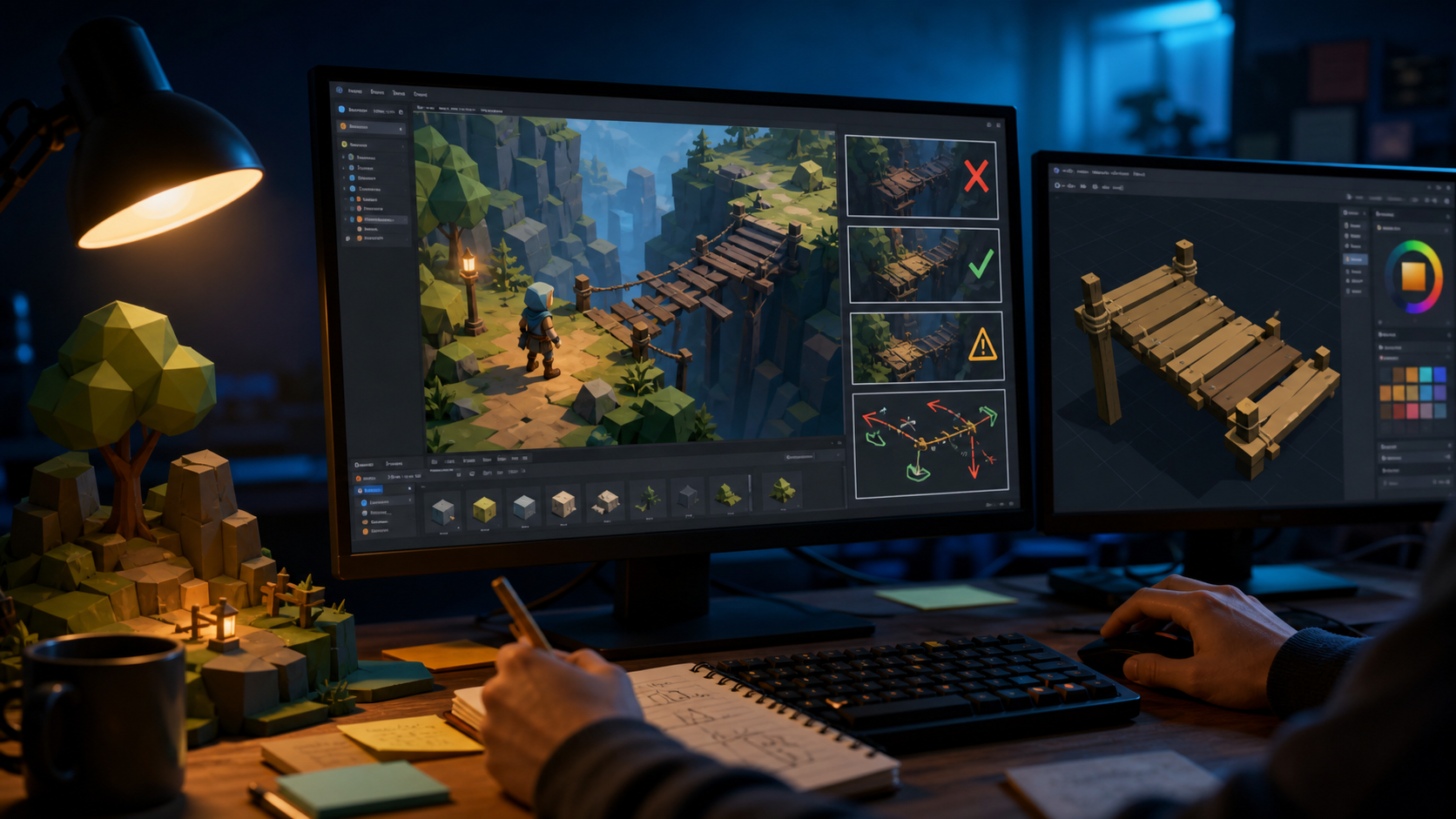
Consider a small level prototype. You could give an assistant clear constraints and ask it to assemble a tree, a wooden bridge, or a set of low-poly rocks in Blender. The result can then move into Unity, where placement logic is added and a playtest begins. If the developer reports that the bridge is too narrow for the jump, the next turn is no longer an abstract discussion. It can respond to the actual scene.
An Important Distinction
BlenderMCP is an active community open-source project, not a built-in Blender feature. Its capabilities and stability depend on the version, add-on setup, and permissions you grant it. Unity CLI is available now, but the Pipeline package that lets it drive a running Editor is still marked experimental.
The Biggest Gain for Indie Teams Is Faster Validation
For a solo developer or a team of two or three, ideas are rarely the scarcest resource. The scarce resource is the time required to turn an idea into something you can judge.
These workflows are best suited to three kinds of work first:
- Prototype building: turn written rules into a rough scene that can be moved through and interacted with.
- Repetitive editing: place groups of objects, standardize component values, and fill in test content.
- Technical diagnosis: run the project, read errors, inspect colliders, animation states, or asset references, and propose a repair grounded in evidence.
These tasks share one property: the result can be seen and checked quickly. AI's advantage is not deciding whether a level is genuinely fun. It is giving a small team more chances each day to make that decision for themselves.
Do Not Hand Over Broad Permissions and Hope for a Miracle
The ability to operate an editor also means the ability to change a real project. The safest starting point is not to connect an assistant to your main game. Give it a small prototype and clear boundaries: which folders it can change, which commands it can run, how every change must be verified, and when it must stop for human approval.
Unity's editor-control layer is still early-stage technology. It belongs in development, prototyping, and testing environments, not in a production release or an irreplaceable project without backups. The same principle applies to BlenderMCP: begin with disposable scenes and low-risk tasks, then widen the scope only after the workflow proves reliable.
A Better First Experiment
Do not begin with “make my game.” Give the workflow a task you can judge in 30 minutes:
Build a passable stone bridge in an empty scene. The player must be able to cross it. Put a visible landmark at each end. Run the game and confirm that the player cannot fall through the ground.
This kind of task has a clear outcome. It also reveals the actual weak link: the model, the import process, the script, or the instruction itself. Once that loop works, you can expand it to a complete level, a combat demo, or a playable slice.
Game development will not become a contest where the best prompt automatically produces the best game. Judging mechanics, choosing an art direction, shaping level rhythm, and developing taste remain human responsibilities. For indie developers, the more realistic promise is still significant: AI may finally become a prototyping partner that can do some of the hands-on work, not just another chat window that tells you what to try.